20 apps in 20 days with Flutter and Antigravity
Why I stopped planning and started building


Hi, I’m Kevin Lamenzo! I recently joined the Dart and Flutter teams (🎉), and this January I set out on a quest: build 20 apps in 20 days using Flutter and Antigravity. But why? First, the cost of curiosity has officially hit zero. You can go from idea to app in 10 minutes. Second, as a new member of the team I wanted to learn about the framework by building something. Last, and most importantly, I wanted to test the theory that in 2026, we all can be builders now.
I’m here to share what I learned from the trenches. If you take only one thing from this post, let it be this: stop reading, and go build something.
The spark
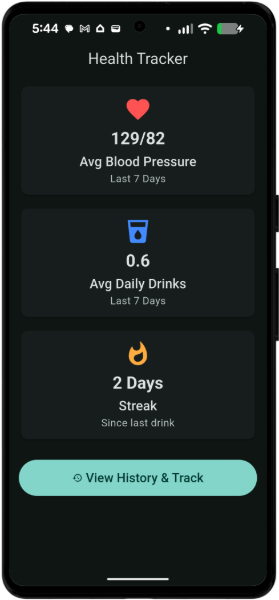
My first app was a health tracker.
During a recent check-up, my physician “strongly suggested” that I watch my blood pressure and alcohol intake. My first reaction? “Don’t tell me what to do!” My second reaction? “I’m gonna build my own app for that.” No subscription offers, no data harvesting, no gamified onboarding. Just a simple tool that solved my specific problem.
Why Flutter?
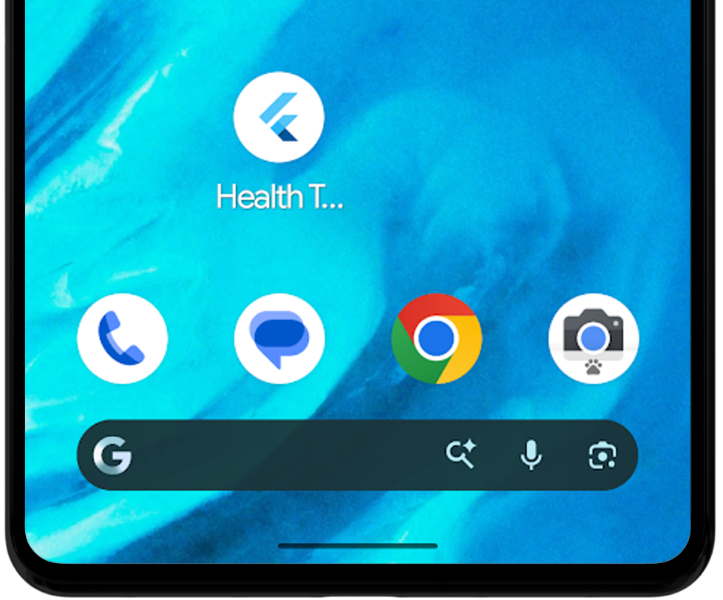
I’m always on the go. I initially built a web app, which is nice, but I needed this tool to be in my pocket. Flutter makes the transition from web app to mobile app feel like magic. Antigravity barely needed to change the code.
After building the mobile version, I even opened a Google Play Developer account ($25), and released the app to myself as a tester. Now my creation is live on my own phone (although I still don’t have a logo or icon).
Tearing through ideas
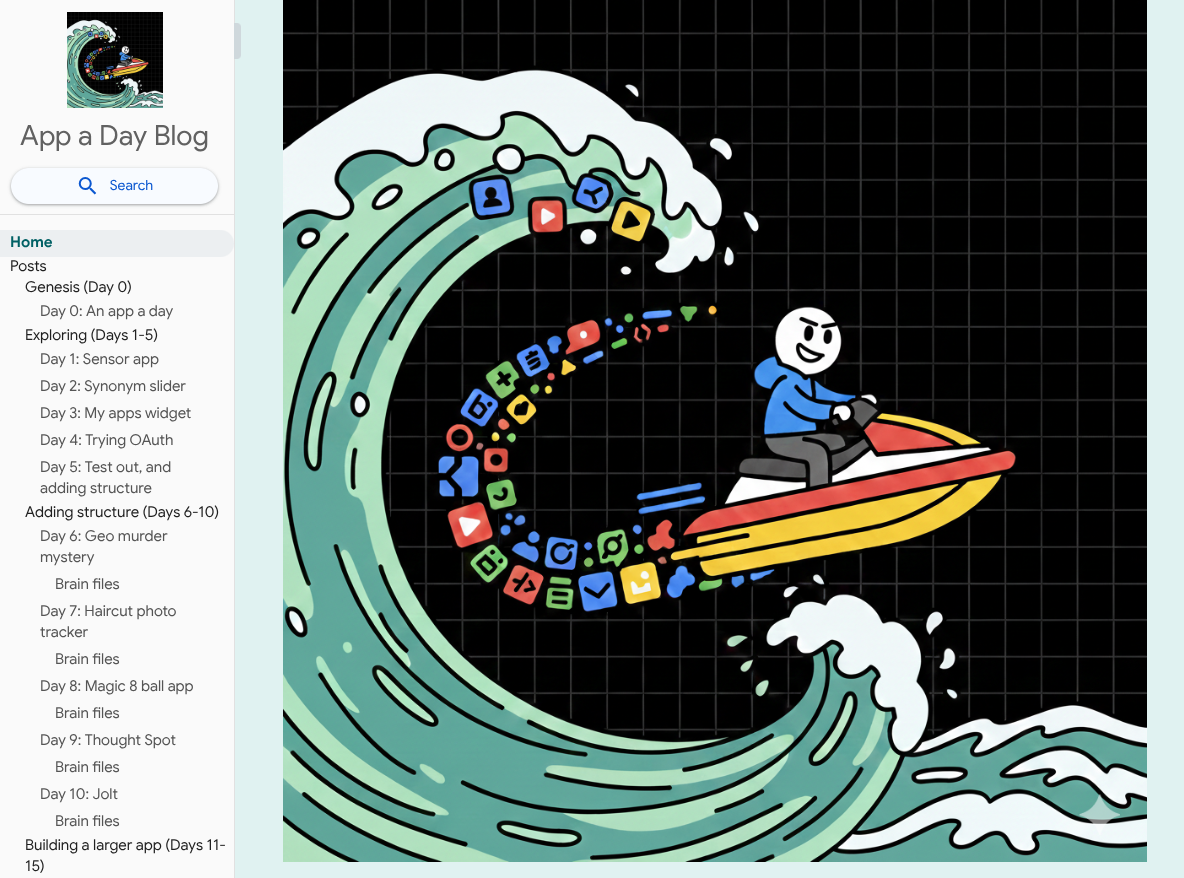
The success of building the health tracker was intoxicating. By the end of the first week, I had four more apps on my phone and I had launched an internal blog (I called it “App a Day”) to document my journey and share the messiness with my colleagues.
This felt like more than vibecoding — I was building. I was exploring my phone’s sensors, working with haptics, and even using APIs.
Hitting a wall trying to scale
Everything wasn’t rosy. When I tried to take one of my quick idea apps and add to it every day of the week, I hit a wall.
Large scale apps are possible, but you need a different mindset. You have to lean into the architecture. You likely have to ask the agent 100 follow up questions. The more knowledge you bring to this step of the flow, the better an experience you will have. This is your excuse to go learn “traditional” development.
However, the beauty of the “App a Day” mentality is that you don’t always have to scale. Small apps are fast to build, helpful, and you can wake up tomorrow and move to a completely new one.
This leads to my “AI thought leadership soapbox moment”:
Right now we’re all empowered to do amazing things alone, but the next frontier is collaboration. How we use our AI superpowers to work together in new ways is uncharted territory. So, if you go out and “vibe build” an app with your friends or a team, chart your journey and share it with the rest of us.

My recommended flow
I got some questions from colleagues and friends about how I was staying organized. Here’s my flow to building your own app:
-
Get organized (Google Docs) - I haven’t gone fully AI yet. I need something static, something familiar, a place to park my ideas. I started every app, large or small, with a Google doc. I added the date and my quick notes. This gave me a place to return to as needed.
-
Refine my ideas (Gemini) - This step is becoming a classic “AI hack”: don’t write your own prompts; write down your raw thoughts and ask an LLM to create a golden prompt for you.
-
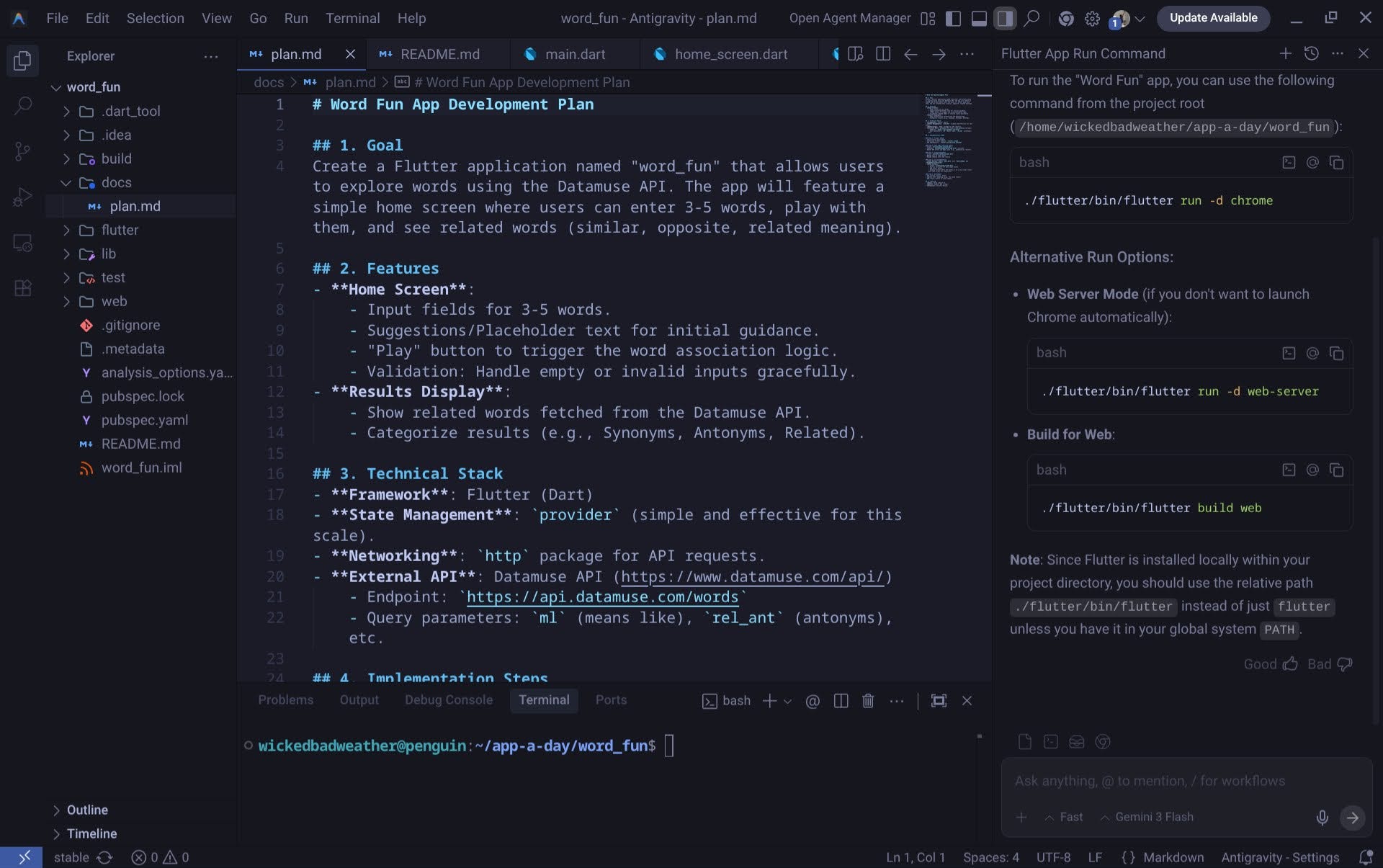
Build! (Antigravity) - Google’s new AI enabled IDE is a workhorse. By comparison, if you ask any of the popular LLMs (Gemini, ChatGPT, etc.) to “write me a book”, they can only output so much. When you ask Antigravity a complex task like this, first it makes a plan, then it works sequentially through each task in that plan. You guide it along the way. I put all of my golden prompts into Antigravity and guided it to build them into apps.
-
Test, iterate, repeat (also Antigravity) - After Antigravity finishes your first build, it’s time to get hands on. Run the software. Try it out. Provide your feedback to Antigravity, and ask it to make the changes you need. Don’t know how to run a Flutter app? Just ask the Agent in Antigravity.
-
(optional) Deploy (Google Play, Firebase - I’ve already mentioned getting my apps on my phone. Another great avenue for sharing is Firebase. Not sure where to start? Ask Gemini to guide you. Firebase makes hosting your apps and adding more advanced services (like authentication, for example) much easier.
Breaking out of my internal blog
The energy I got from this challenge eventually helped me explode right out of it. Instead of an internal blog, I went and launched my own personal site. Here I’m working outside the artificial bounds of building one small thing a day. Instead, I’m working on things big and small, grabbing ideas as they come, and moving on without hesitation.
Come find me at ladevzo.com/scrappy-path if you want to see how I’m applying these lessons outside the corporate firewall.
Conclusion: find your own flow
With that said, let me conclude with this: you don’t need to build 20 apps in 20 days. Start small. Use Gemini for brainstorming. Use Antigravity to build a prototype. Before you get bogged down mastering the code, focus on transitioning from “idea” to “working reality”.
The tools are ready. Are you?
Appendix: list of apps
-
Synonym slider (1 file, 207 LOC) — A simple app to provide the user with a list of synonyms for a given word. Demonstrates basic HTTP integration.
Sensor app (1 file, 228 LOC) — Interacts with device hardware using the sensors plus package.
-
Sino shift (1 file, 230 LOC) — A language experiment to translate English phrases and sentences into a Chinese-language-style ideograph format (Chinese languages use far fewer tokens when interacting with LLMs by virtue of their syntax)
Vip badge (1 file, 273 LOC) — Implements authentication through Firebase and Google Sign-In.
-
My apps widget (4 files, 305 LOC) — An Android homescreen “container†to hold all of my apps. Utilizes Android Intents to create a home screen widget.
-
Haptic soundboard (2 files, 311 LOC) — A soundboard application featuring audio playback capabilities.
-
Rusty-haiku (4 files, 403 LOC) — A simple haiku generator. Demonstrates API usage and state management with Riverpod.
-
Thought spot (5 files, 481 LOC) — Place a marker on a map and capture (by voice input) a thought. Features speech-to-text, maps, geolocation, and local databases.
-
Jolt (6 files, 494 LOC) — Focuses on local storage with shared preferences and custom UI fonts.
-
Accept changes (2 files, 547 LOC) — An attempt to bounce Antigravity’s push notifications to my phone. Provides device feedback via notification and connects to a Realtime Database.
-
Street slueth (9 files, 574 LOC) — A spin on Geoguesser: a collaborative murder mystery game where you need to use Google Maps to find clues and solve a puzzle. Map-based application with user authentication and Google Street View integration.
-
Learn witt (7 files, 588 LOC) — A learning app for understanding Wittgenstein. Focused on user interface design using custom fonts.
-
Parcheesi game (5 files, 625 LOC) — A Parcheesi remake. This was an attempt at “once shot prompting†with Antigrabity. Manages complex logic and state using Riverpod and Equatable.
-
Health tracker (6 files, 641 LOC) — Personal health tracking app for monitoring daily blood pressure and alcohol intake. Manages local state and utilizes the file system for storage.
Magic octo (6 files, 692 LOC) — My take on the magic 8-ball.
-
Meeting helper (5 files, 778 LOC) — Productivity tool using Firebase authentication and Cloud Firestore.
-
Haircut log (6 files, 901 LOC) — A Google Photos integration that helps hair salons manage user haircut photos leveraging the Google Photos Library API.
-
Wwks (6 files, 1121 LOC) — What would Kevin say? My personalized, AI-enabled, chat interface. Combines Google Generative AI with a full Firebase backend.
-
Human speed (15 files, 1124 LOC) — A personal thinking tool. Allows you to self-manage context across LLM threads. Full-stack AI application structured with Riverpod, GoRouter, and Firebase.
-
Math facts AI(11 files, 1520 LOC) — Educational tool leveraging generative AI to teach math facts.
-
Workout buddy (11 files, 1582 LOC) — Workout tracker, featuring Riverpod, Cloud Functions, and Freezed code generation.
-
Pulse (14 files, 1928 LOC) — Large-scale project integrating generative AI, robust state management, and code generation.