

Announcing our new Dart and Flutter Getting Started experience
When I joined the Dash DevRel team, my manager gave me an onboarding doc which started like this: “Your new job in one sentence: Improve…

When I joined the Dash DevRel team, my manager gave me an onboarding doc which started like this: “Your new job in one sentence: Improve the lives of Dart and Flutter developers.”
In time, I’ve come to understand the definition of ‘Dart and Flutter developers’ to include those who don’t yet even call themselves Dart and Flutter developers; they’re just Flutter-curious.
Today, we’ve landed something that we think improves the lives of those future Flutter developers: the Dart and Flutter Getting Started experience.
What we built
The Getting Started experience is a multi-disciplinary learning pathway for programmers who don’t yet know anything about Dart or Flutter. It spans both the Dart and Flutter websites, and combines written tutorials, video series, quizzes, and documentation to take you from setting up Flutter to building a handful of apps designed to teach the fundamentals.
A quick install guide for those who just want to try Flutter out.
Since the release of hot reload on the web, Flutter learners can have the full Flutter experience without having to download platform-specific development environments until they need them. We wrote a new quick install guide to reduce the friction of trying Flutter. We don’t want it to feel like a commitment before you even start!
Two full tutorials: one for Dart, one for Flutter.
The Dart tutorial was designed to lead into the Flutter tutorial, but they aren’t dependent on one another. If you’re already confident using a different modern, object-oriented language, you’re free to jump straight into the Flutter tutorial.
Four apps that you’ll build from scratch.
Of all the design questions we asked ourselves, we spent the most time thinking about what the reader will actually build. Will it be one giant app, several discreet cookbook recipe-like pieces of Flutter code, or something in between?
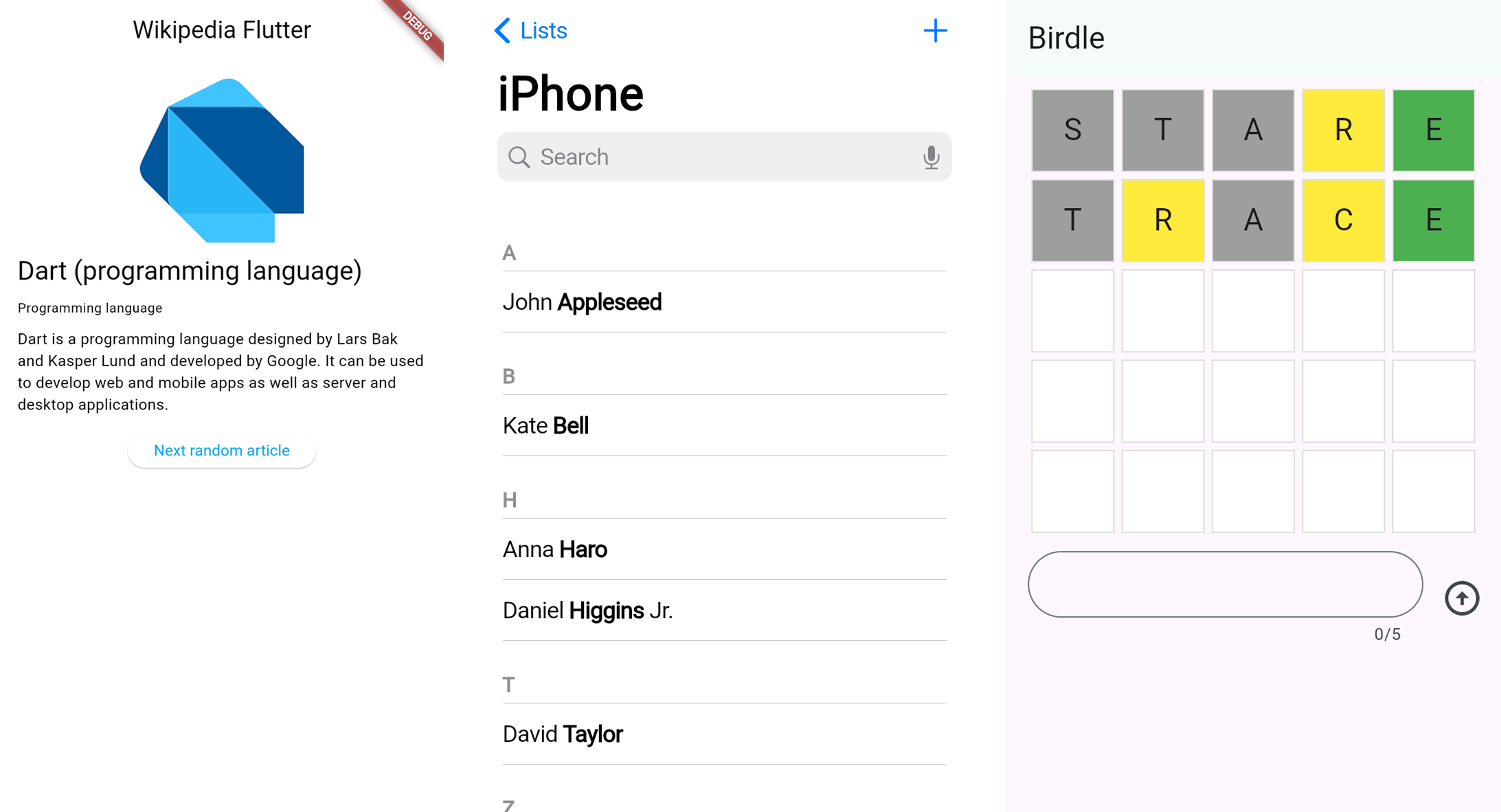
Ultimately, we came to the conclusion that smaller apps provide a better experience for new learners for a few reasons:
-
With larger apps, there’s more room for things to go wrong, which can cause a new learner to become frustrated.
-
The larger the app, there’s more required code that isn’t actually pertinent to what the tutorial is trying to teach.
-
We didn’t want to ask the user to clone a repository with 25 projects with names like flutter_tutorial_step_1. Then you have to bring git and terminal commands into the picture, you have to ask the reader to copy the commands that work their operating system, and so on. It’s just a bunch of unnecessary cruft that gets in the way of learning.
At the same time, the apps need to be more than single-feature apps, else we’ll fail to connect the dots of a feature to the bigger picture.
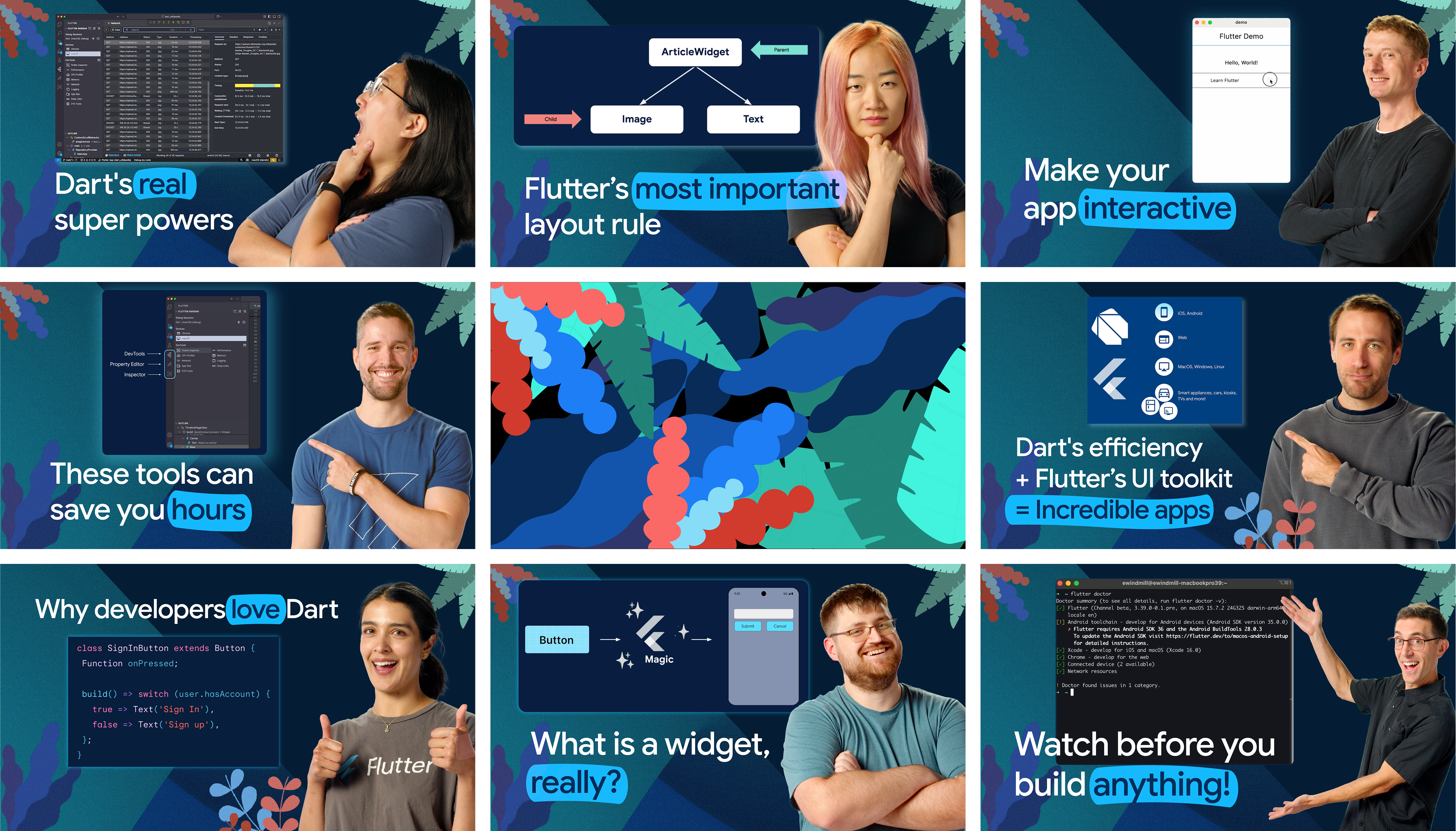
Eight videos accompanying major topics.
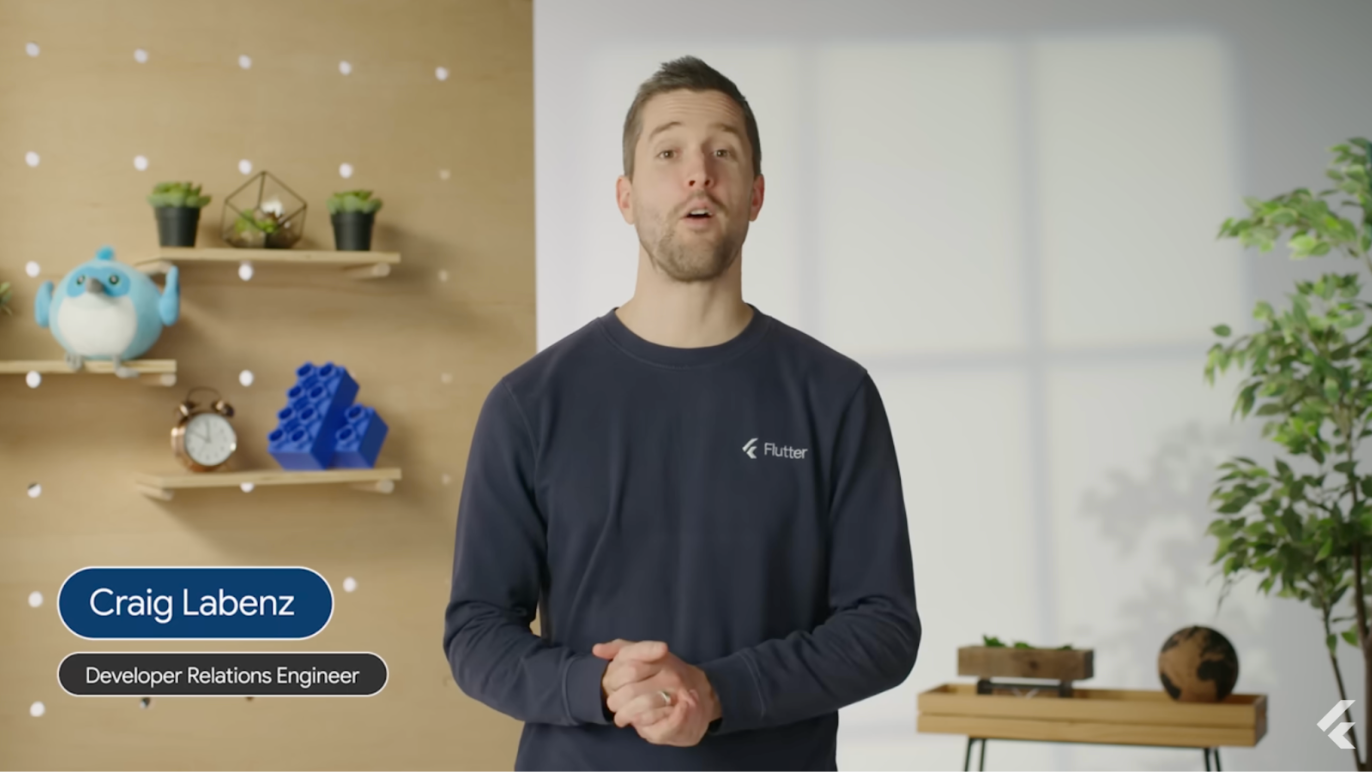
The videos in the Getting Started experience were written to provide the most crucial context, so the reader would understand what they were doing when they got to the hands-on-coding part.
Including these videos is important to me on a personal level too. Many years ago when I was learning Flutter, I felt in awe of the early DevRel team. They cared deeply about teaching Flutter, and they were so genuine and supportive that I wanted to be part of whatever it was they were doing. Since this learning pathway is often going to be the first thing a new Flutter developer interacts with, I wanted to honor that feeling and make Flutter-curious developers feel excited and welcomed to join the community.
To that end, we use the videos as a way to teach Flutter, but also to introduce a handful of the real-life humans that work to make the Flutter and Dart better everyday — engineers, tech writers, and product managers are all featured.
Small quizzes throughout to confirm what you’ve learned.
We added simple quizzes at the end of each tutorial page. They’re low-stakes and non-blocking. They exist only to give you a bit of feedback and confidence. If you don’t like ’em, skip ‘em!
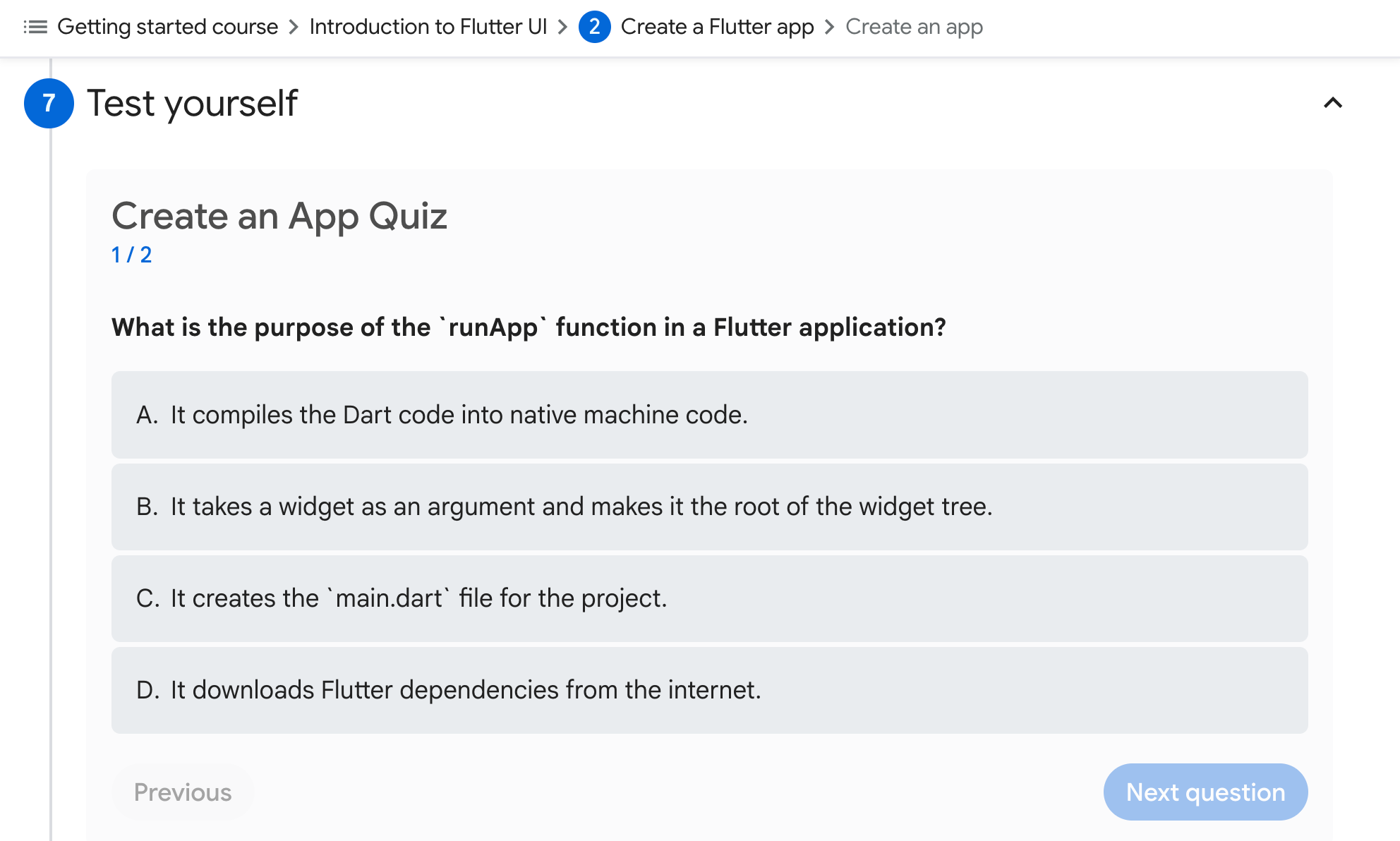
The existing How Flutter Works YouTube series as a conclusion.
We cap the learning tutorial off with Craig Labenz’s fantastic video series, released a few months ago, called ‘How Flutter Works’. This series teaches you the inner workings of Flutter with just enough depth that it’s still approachable, yet upgrades your ability to write Flutter apps. This is must-learn knowledge on the way to becoming an advanced Flutter developer.
Website updates
This tutorial is shipping alongside several updates to the Dart and Flutter websites. You may know that we’ve been migrating our website infrastructure from JavaScript-based static site generators (SSGs) to Jaspr, a Dart SSG. The timing of that migration isn’t random! We knew we wanted to do it, and it seemed like the right thing to do before we started work on the considerable updates to the website we made for the Getting Started tutorials.
As a reader, the most noticeable update is the separation of the main docs articles and the Learn section of the website. The learn section of the site is reached by clicking on the Learn button in the site’s header navigation, as seen in this screenshot:
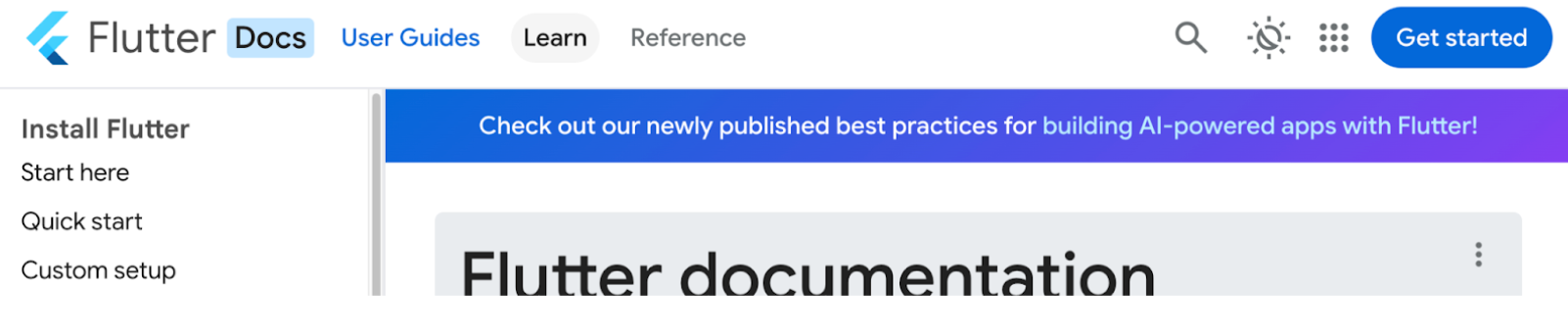
The Learn section is where we’ll organize all existing and future tutorial-style documentation and articles, in order to keep the main docs easier to navigate. In the header navigation the main docs can be reached with the “User Guides” button (or by clicking the site title).
Try it out
The learning pathway is live at docs.flutter.dev/learn/pathway. If you go through it — or even just part of it — please fill out the feedback survey linked on that page. We’re listening, and we’re already thinking about what comes next.
More from Flutter
Flutter Q2 survey
Just a reminder! Please take the Flutter Q2 survey! The survey closes at the end of day on Friday, June 19th.

Announcing Flutter 3.38 & Dart 3.10: Building the future of apps
Hi, Flutter community! My name is Emma Twersky, and I am unbelievably excited to be your new lead for Flutter and Dart DevRel. I’m not just…
