New updates to A2UI and Flutter’s GenUI package
Generative UI, or GenUI for short, is a user experience pattern in which an agent not only generates content, but also makes decisions…

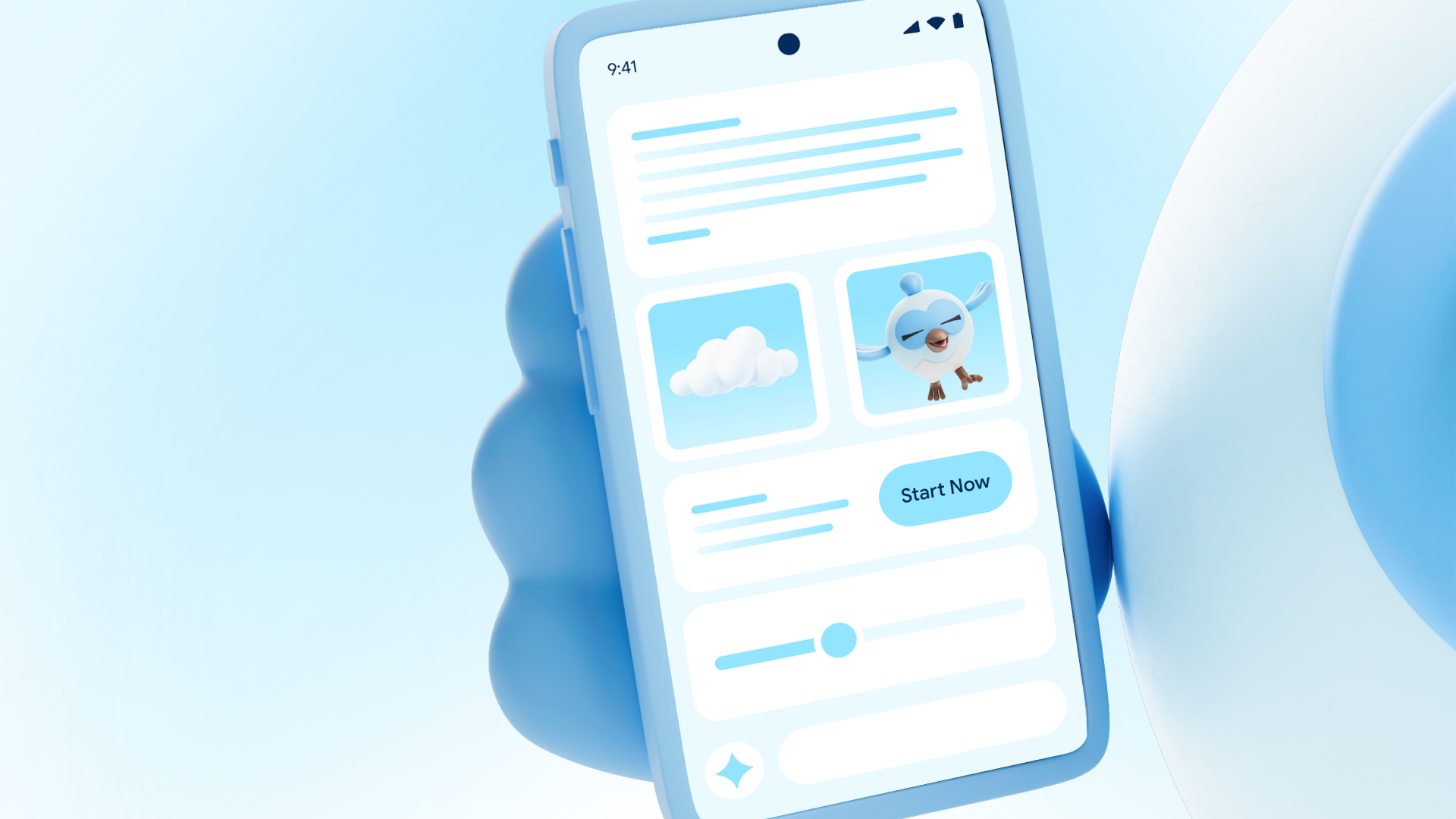
Generative UI, or GenUI for short, is a user experience pattern in which an agent not only generates content, but also makes decisions about how that content should be displayed and made interactive for the user. For Flutter developers, implementing GenUI means using A2UI, an open protocol that defines a way for agents and clients (or “renderers”) to collaborate on the composition and state of a user interface. To capitalize on this, the Flutter team built genui, a package that uses A2UI to connect with an agent and provide it with a catalog of widgets to use, and then presents those widgets to the user.
Both the genui package and the A2UI protocol recently got an update!
The latest release of genui introduces several architectural changes to the framework. Driven by adoption of v0.9 of the A2UI protocol, this update shifts
genui from a “Structured Output First” philosophy in which A2UI messages were streamed through structured output APIs to a “Prompt First” approach in which agents include blocks of JSON as text in their responses. It also decouples the architecture, providing more direct control over how your application interacts with Large Language Models (LLMs).
If you are migrating an app from v0.7.0 to v0.9.0 of the genui package, this guide covers the necessary steps, from dependency cleanup to wiring up your new chat loops.
Architecture decoupling
In previous versions, GenUI relied on a series of classes based on ContentGenerator. These classes hid the details of prompt construction, LLM network calls, and response parsing.
The latest version of package:genui removes ContentGenerator. Instead, the framework is now split into distinct layers:
-
Engine (
SurfaceController): Manages the state and rendering of your UI. -
Transport (
A2uiTransportAdapter): Streams messages between the agent and renderer. -
Facade (
Conversation): Provides a high-level API for managing chat states.
This decoupling means you have control over chat history, retry logic, and error handling. It also means you can set up your connection to your LLM however you’d like. The framework no longer “wraps” your agent with a
ContentGenerator, so you’re free to use the model and provider you’d prefer, tweak generation settings, add your own functions, and so on, without needing to go through the framework’s API to do so.
Because the ContentGenerator is gone, the provider-specific wrapper packages are no longer needed. If you pull the latest version of the package, you’ll see that names like
genui_dartantic, genui_google_generative_ai, and genui_firebase_ai
no longer appear in the tree.
This is the most significant code change in the migration. Instead of passing a ContentGenerator
to your SurfaceController, your app is responsible for setting up a connection to an agent and passing messages back and forth through a
TransportAdapter.
The old way:
// Create a ContentGenerator that encapsulates interaction with
// the agent.
final generator = FirebaseAiContentGenerator(
catalog: CoreCatalogItems.asCatalog(),
systemInstruction: 'You are a helpful assistant.',
);
// Create a conversation that links the generator with a GenUiManager
// that manages surfaces, updates, and so on.
final conversation = GenUiConversation(
genUiManager: GenUiManager(catalog: catalog),
contentGenerator: generator,
);
The new way:
final catalog = BasicCatalogItems.asCatalog();
// Create a SurfaceController to manage the state of generated surfaces.
final surfaceController = SurfaceController(catalogs: [catalog]);
// Created a transport adapter that routes messages from the `genui` library
// to the agent, then feeds responses back into the adapter via `addChunk`.
late final adapter = A2uiTransportAdapter(
onSend: (ChatMessage msg) async {
// Use a string buffer to prepare tokens to send to the agent.
final buffer = StringBuffer();
// Iterate over the messages created by the `genui` package, and
// add them as tokens to the buffer.
for (final part in msg.parts) {
if (part.isUiInteractionPart) {
buffer.write(part.asUiInteractionPart!.interaction);
} else if (part is genui.TextPart) {
buffer.write(part.text);
}
}
// Send a content generation request to the agent, including the
// string-ified messages from `genui`
final response = await myAgentClient.sendRequest(buffer.toString());
// After receiving the agent's response, add it to the `genui` package's
// input stream using `addChunk`, where it will be parsed for A2UI
// messages.
adapter.addChunk(response);
},
);
You might look at those two examples and think, “Wait, shouldn’t API improvements mean I have to write
less code rather than more?” It’s true that previously this bit of “wiring” code for connecting with the agent was included in the
genui package, tucked away in a ContentGenerator class, but the new approach has some concrete advantages:
-
Without the requirement of a
ContentGenerator, you can set your agent up the way you like, hold it in memory where you prefer, and manage its lifecycle. You can also use nearly any AI source you’d like without waiting for a package update with a newContentGenerator. -
You no longer have to “inject” your connection to the agent into the
genuiAPI. They’re loosely coupled, with just tokens moving back and forth. -
Testing is simpler.
genuiaccepts tokens directly, and they can come from an agent, or a mock agent, or a hard-coded test. -
If you’d like to encapsulate your connection into a class, you can still do so. In fact, several of the examples for
genuitake this approach.
Going prompt first
In previous versions, the genui package relied heavily on the LLM provider’s strict API-level constraints (like “JSON Mode” or complex function-calling definitions) to force the model to output valid UI structures. The schema was passed to the LLM out-of-band through specific API parameters, and the LLM was effectively locked into a rigid structure.
While this directed models to create predictable, well-formatted JSON, deeply nested schemas could sometimes confuse models or fight against their natural text-generation tendencies. Plus, reliance on structured outputs imposed limits on the overall size and complexity of the catalog. It also made debugging harder because the constraints lived entirely in the network layer rather than in plain text that you could easily read and tweak.
The “prompt first” approach shifts the source of truth back to where LLMs excel: system instructions. Instead of relying entirely on strict API toggles, the UI schema and instructions relating to A2UI are injected directly into the LLM’s system prompt as plain text. The LLM reads the instructions, detailing exactly how to construct messages for the client.
This approach has a few advantages. First, modern LLMs are highly optimized to follow detailed system instructions and examples. Providing the schema in the prompt aligns with how they “think.” In addition, because the UI schema is now just plain text in your prompt, you have the ability to change it to suit your application.
This change means responsibility for getting the right prompt into the agent’s context window now rests with your app. Fortunately, the
genui package provides a new tool to help you craft the right system prompt for your application,
PromptBuilder. Given a catalog and any additional instructions you’d like to provide, PromptBuilder
will create a system prompt that includes the schema definitions and rules that your LLM needs to format A2UI messages correctly.
final promptBuilder = PromptBuilder.chat(
  catalog: catalog,
  systemPromptFragments: ['You are a helpful assistant.'],
);
Once set up, your app can retrieve a String version of the prompt using promptBuilder.systemPrompt, and then pass that value to the LLM.
Protocol & schema adjustments
If your code manually constructs A2UI JSON or relies on specific payload structures, note these breaking changes from the A2UI v0.9 update:
-
Surface creation:
beginRenderingis nowcreateSurface. -
Flat component definitions: Instead of nested keys (such as
{“Text”: {“text”: “Hello”}}), components now use a flat discriminator:{“component”: “Text”, “text”: “Hello”}. -
Data binding: Bindings are simplified. Use
{ “path”: “/path/to/var” }for path resolution.
Property renames:
distribution=>justifyalignment=>alignusageHint=>varianttext(inTextField) =>valueuserAction=>action
Other stuff got renamed!
Along with some other small tweaks, the GenUi prefix has been dropped from almost all core classes:
GenUiConversation=>ConversationGenUiController=>SurfaceControllerGenUiSurface=>SurfaceGenUiHost=>SurfaceHostGenUiContext=>SurfaceContextGenUiTransport=>TransportGenUiFallback=>FallbackWidget
In addition, CoreCatalogItems was renamed to BasicCatalogItems to clarify that it serves as a baseline implementation rather than a strict requirement.
Finally, to align with standard LLM function-calling terminology, GenUiFunctionDeclaration
and references to “tools” have been renamed to ClientFunction.
The new genai_primitives package
The genui package no longer ships with its own messaging types. Instead, the GenUI team created the new
genai_primitives package with primitive types for common functionality needed by GenAI applications. This package includes types like
ChatMessage, MessagePart, and ToolDefinition.
These new types are used across the genui package API, and they’re flexible enough to fit into other GenAI applications or packages you might be working on.
And there’s more!
In addition to the above, the latest version of A2UI and the genui package bring several new features like:
-
Custom functions, useful for validating data on the client
A new, modular schema
Improved error handling
For more information on these, check out the v0.9 announcement blog post and head to a2ui.org.
Summary
The latest update to genui introduces an architecture that is much more idiomatic, flexible, and robust. If you haven’t yet started using GenUI, there’s no better time than now! Head to our introductory codelab to gain a hands-on understanding of the tech and create a working app in about 90 minutes.