Announcing Flutter AI Toolkit
Want AI chat in your Flutter app? This toolkit makes it easy.

Flutter AI developers, rejoice! Adding an AI-powered chat experience to your app just got a whole lot easier. Introducing Flutter AI Toolkit, a collection of ready-to-use AI chat widgets designed to seamlessly integrate into your Flutter projects. No more building complex chat interfaces from scratch — Flutter AI Toolkit provides everything you need to quickly and easily add a sophisticated AI chat window to your app. Ready to boost customer engagement and satisfaction across multiple platforms? You’ve got this!
](/assets/08PFN57i3DaWcEBvk.743550fcacef25430b6359ed56a2eddc.gif)
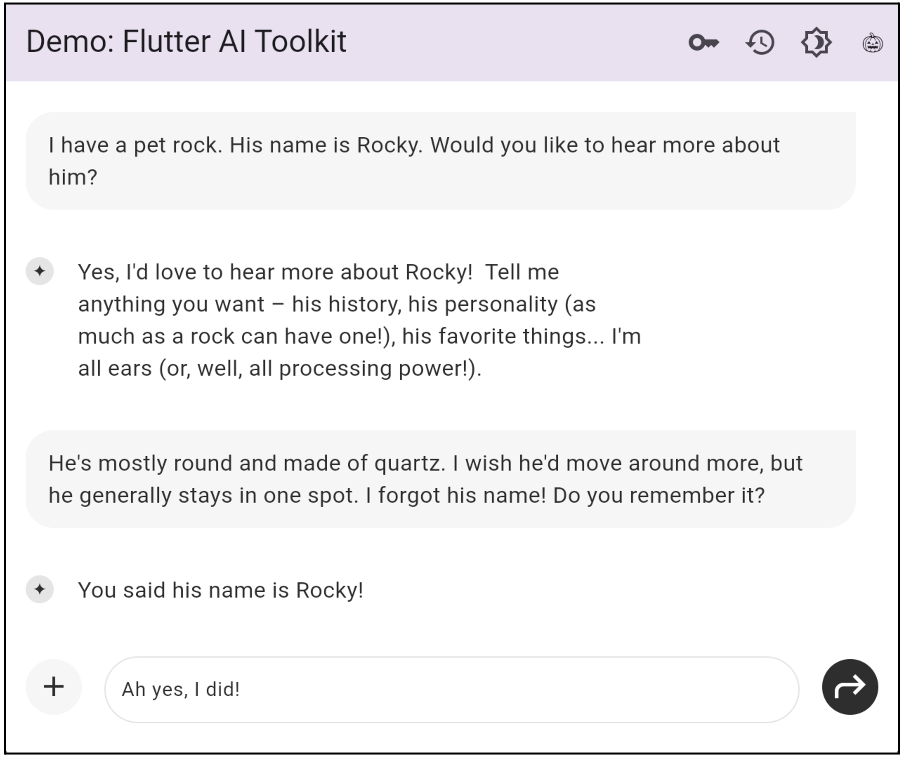
Multi-turn chat
With multi-turn chat, you can maintain context across multiple interactions in the same session.
Imagine you’re talking to a friend. They ask if you have a pet and you tell them that you have a pet rock named Rocky. A little while later after chatting with you about other things, your friend asks “How long have you had Rocky?” The friend remembers your pet rock from an earlier conversation, even though you didn’t mention it again.
That’s essentially what multi-turn chat does! It helps the LLM (generative AI Large Language Model) remember what is being talked about.
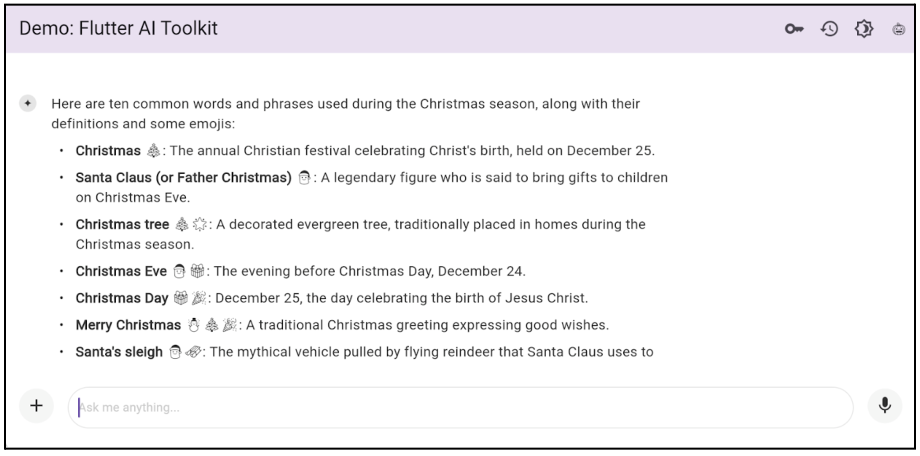
Rich text display
Rich-text format is supported in the responses produced by the LLM. Instead of producing just plain-text words, the LLM can format the text to be more interesting to read. For example, the response could include bold text, images, bullets, and more.
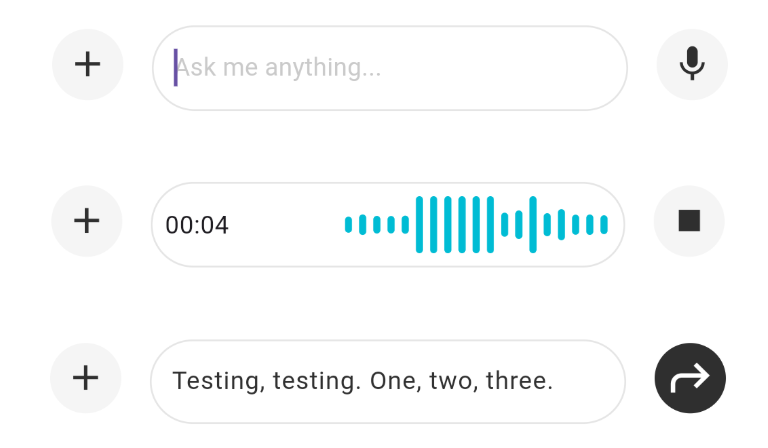
Voice input
Voice input can be used to convert messages to text. This hands-free option is perfect for those who prefer not to type or who want a faster way to compose messages.
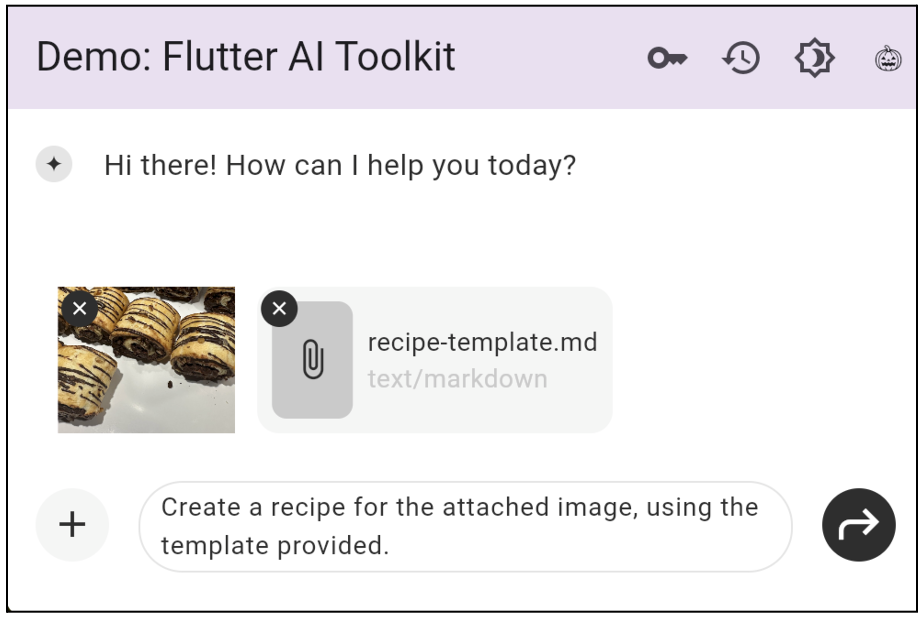
Multimedia attachments
Pictures, videos, audio, PDFs, and other files can be added to conversations separately or all together.
Custom response widgets
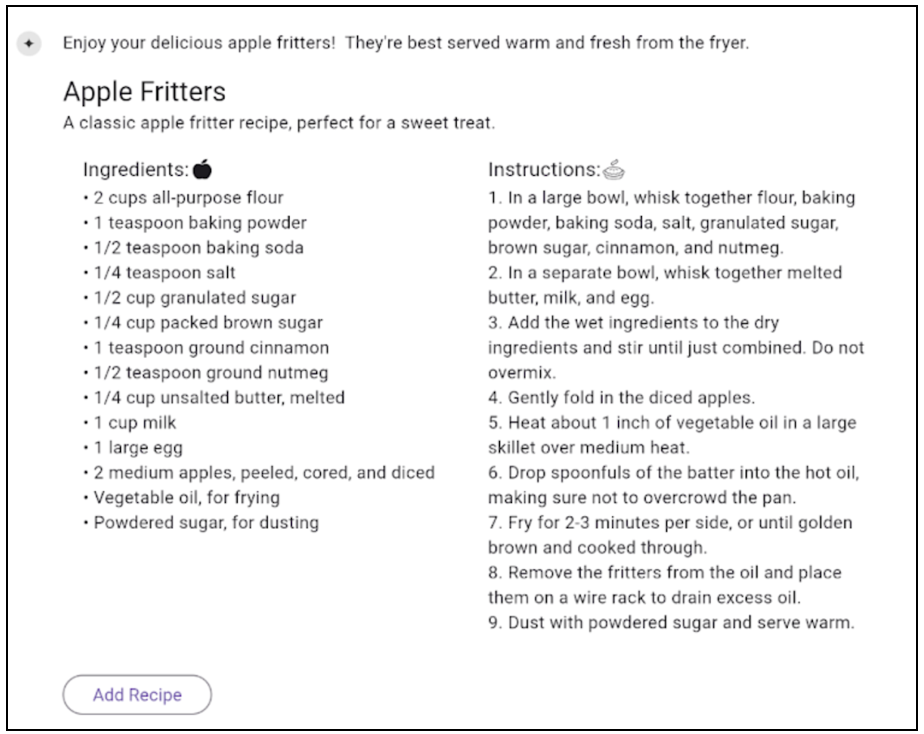
Design specialized UI components for responses. For example, if someone requests a recipe, you can show an interactive recipe card with an option to save the recipe directly to a database.
Custom styling
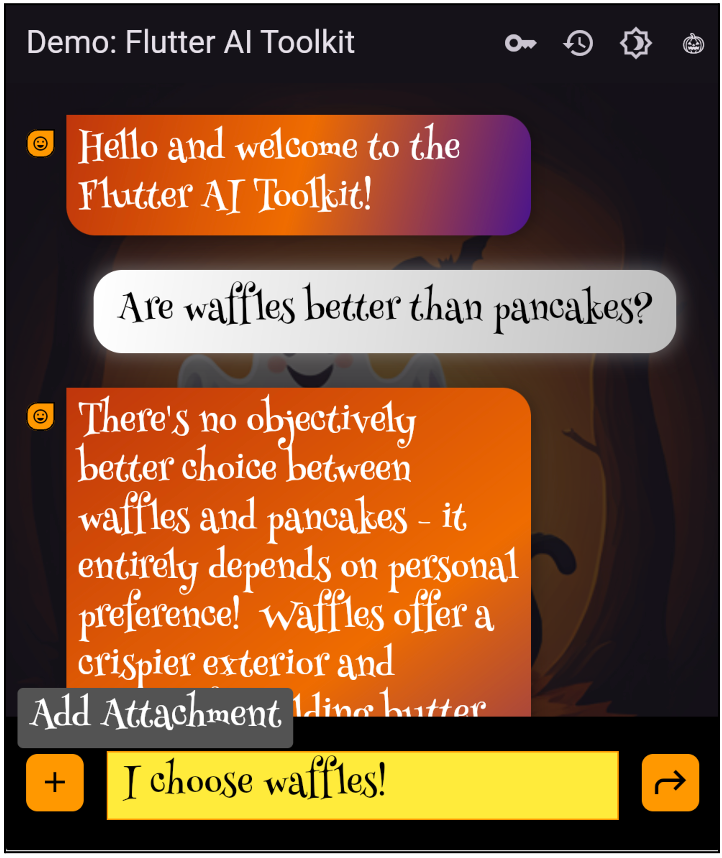
Configure the chat appearance to match your app. Change the colors of the chat bubbles, the background, the UI fonts, and even add UI pictures or animations to reflect your brand identity.
Cross-platform support
Flutter supports many platforms and so does Flutter AI Toolkit. Want to deploy an AI chat app made with Flutter on iOS, Android, web, and macOS? No problem!
Pluggable LLMs
Flutter AI Toolkit makes it easy to add AI to your app, whether you want to use Google’s Gemini or Vertex AI, or even another LLM. GeminiProvider and VertexProvider are available for out-of-the-box integration, using the Google AI Dart SDK and Vertex AI in Firebase SDK respectively. We highly recommend that you use the Vertex AI in Firebase SDK for production use cases beyond prototyping. In addition, you can leverage Flutter AI Toolkit’s LLM provider interface to plug in the LLM of your choice with your own custom code.
Stand-alone chat app with multiple conversations
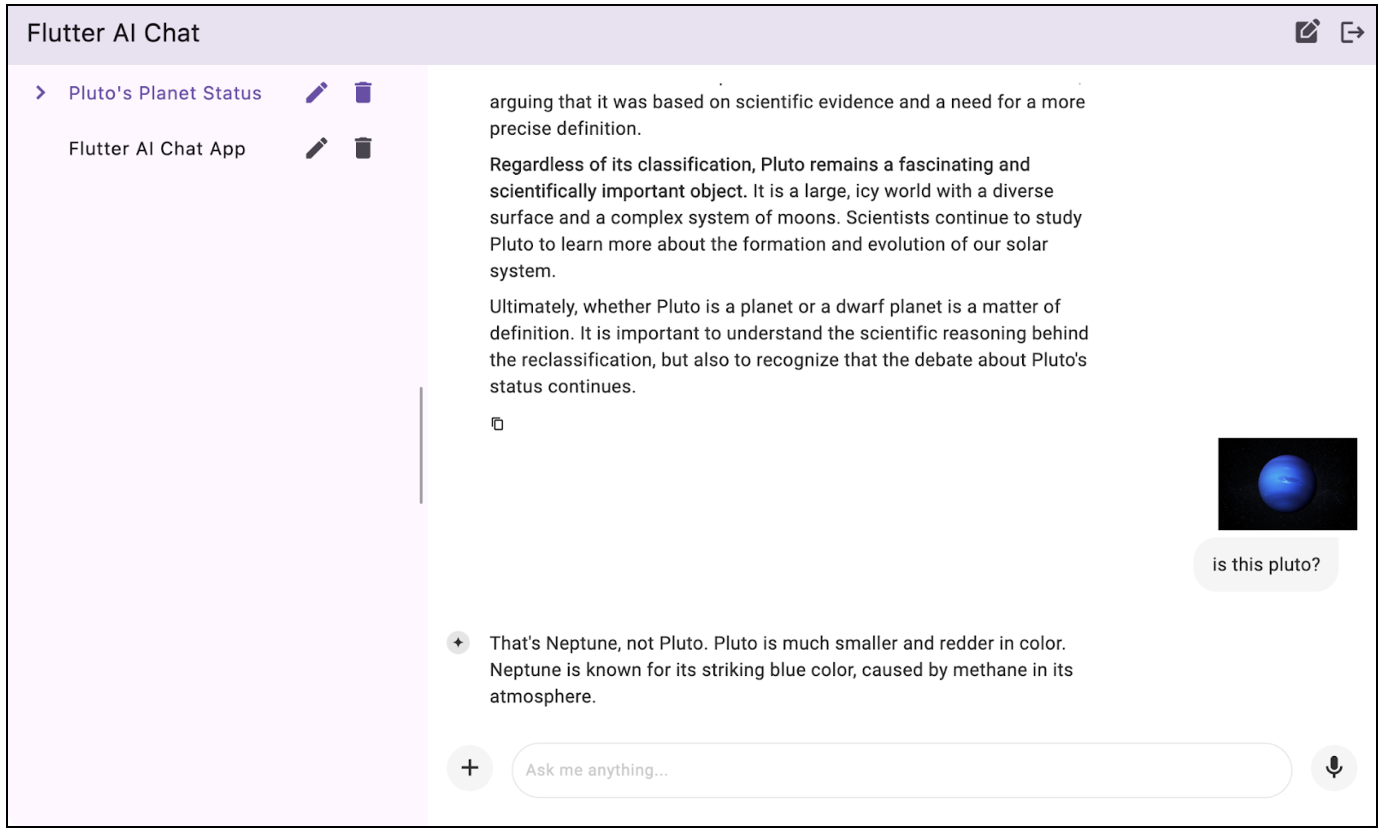
Build a full-fledged chat app that can store and manage multiple conversations. To help you get started, Flutter AI Toolkit comes with a sample project that leverages a Cloud Firestore database and Vertex AI in Firebase.
Try Flutter AI Toolkit now
To try Flutter AI Toolkit yourself, check out Flutter AI Toolkit on pub.dev and the following resources:
More from Flutter
Flutter Q2 survey
Just a reminder! Please take the Flutter Q2 survey! The survey closes at the end of day on Friday, June 19th.

Announcing our new Dart and Flutter Getting Started experience
When I joined the Dash DevRel team, my manager gave me an onboarding doc which started like this: “Your new job in one sentence: Improve…